Cash-Back and Coupon App Comparison
The essential guide to stacking grocery apps for maximum cash back and savings on every shopping trip
5 min. read
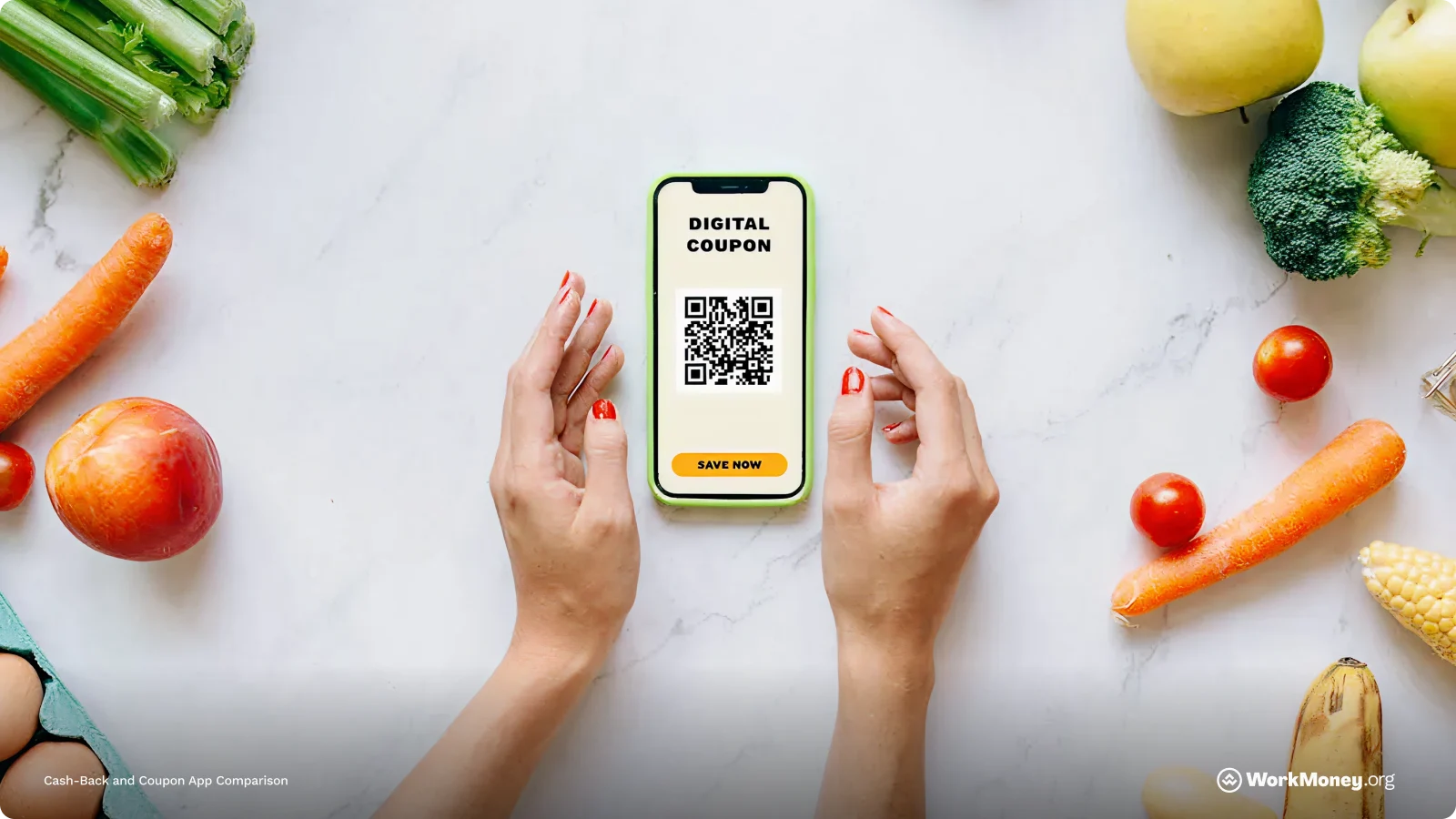
Groceries continue to rise in price, eating more into household budgets. Grocery prices are up 29% since early 2020, leaving many looking for ways to save.
Years ago, clipping coupons was the go-to way. Those days are largely gone and have been replaced with cash-back and coupon apps. But selecting the right one for your needs can feel puzzling.
WorkMoney put together a guide of the best cash-back and coupon apps to help you save on your next trip to the grocery store.
Why Digital Cash-Back and Coupon Apps Matter
Food is one of the largest recurring expenses families face, often accounting for a sizable portion of their monthly budgets. Even small increases in the cost of essentials—milk, eggs, produce, meat—add up fast. That’s where money-saving apps can step in to shave down your
Digital cash-back and coupon apps step in as a smarter, easier alternative. Instead of scanning newspapers, you can open an app on your phone and instantly see deals tailored to the stores you already shop at. Many of these apps automate savings entirely—just link your loyalty account, activate offers, shop as usual, and watch the rebates deposit into your balance. Others let you “stack” savings, combining digital offers, store promotions, and rewards points to lower your final cost even more.
These apps aren’t only for coupon pros, either. Several platforms now help people manage government benefits, such as SNAP and WIC, by showing eligible items, tracking balances, and assisting households in planning grocery trips with greater confidence.
How Cash-Back and Coupon Apps Work
There are two ways these apps work: before purchase and after purchase rewards.
Cash-back and coupon apps reward you in one of two ways: before you buy or after you buy. Knowing which type you’re using—and how to combine them—can make a big difference in how much you save.
Offer-Specific Apps
These apps require a little planning. You open the app, select the offers you want ahead of time, and then shop as usual. After checkout, you upload your receipt or connect your store loyalty account to verify your purchase. Apps like Upside follow this model, rewarding you for specific products like cereal, yogurt, snacks, or toiletries. The upside: these often offer the biggest payouts. The tradeoff: you need to activate deals in advance or you won’t earn anything.
Receipt-Scanning Apps
With receipt-based apps, you don’t have to think ahead. You simply take a quick photo of your receipt, and the app gives you points or cash back—no offer clipping required. Fetch Rewards is a great example, rewarding you for any grocery purchase, even if you didn’t buy anything on a special promotion. The payouts are usually smaller, but the ease is unbeatable.
How Stacking Works
The real magic happens when you combine apps. For example, you can activate an Ibotta offer for yogurt, buy it during a store promotion, and then scan the same receipt into Fetch for extra points. Some shoppers also layer in retailer apps, credit card rewards, and even rebate programs to squeeze out every possible discount. With the right mix, a single purchase can earn rewards in two, three, or even four different places.
Used strategically, these apps can significantly lower your monthly spending with minimal effort. In fact, one writer was able to save nearly $400 over six months using coupon apps.
Top Cash-Back and Coupon Apps
Here are a few popular coupon apps that can potentially help you cut your spending down at the grocery store.
App | Type | How It Works | Best For | SNAP/WIC Friendly | Extra Tips |
|---|---|---|---|---|---|
Ibotta | Offer-specific | Pre-select deals, buy items, scan receipt to earn cash back | Shoppers willing to plan purchases | No | Stack with store loyalty programs for bigger rewards |
Fetch Rewards | Receipt-scanning | Scan any grocery receipt to earn points | Simple, low-effort savings | No | Points can be redeemed for gift cards or PayPal cash |
Rakuten / Ebates | Online cash back | Shop online via app or website to earn % back | Middle-income or online grocery shoppers | No | Look for special grocery deals for extra cash back |
SNAP/WIC management | Tracks benefits, provides instant cash back offers | Low-income households on government food programs | Yes | Instant cash back deposits to linked account | |
Government benefit-friendly | Helps manage benefits, earn cash back | SNAP/WIC users | Yes | Works with many local grocery stores | |
Delivery membership | SNAP-eligible users get discounted membership, shop online | Time-saving convenience for SNAP users | Yes | Can combine with other cash-back apps for stacking savings |
Tips for Maximizing Savings
As you’re using these money-saving apps, be sure to keep these points in mind to turn your efforts into maximum savings.
Stack Your Apps - Use multiple apps on the same purchase to maximize rewards. A common combo is activating an offer in Ibotta, then scanning the same receipt in Fetch Rewards. You can also layer store apps and credit card rewards for even more value.
Plan Around Offers - Check your apps before making your grocery list. Stock up when high-value rebates appear on essentials, and wait for deals on flexible items like cleaning supplies or household goods.
Link Loyalty Cards - When possible, connect your store loyalty accounts to automate earning. It saves time, though it’s still smart to double-check that purchases are tracked correctly.
Watch Cash-Out Minimums - Each app has different payout thresholds and redemption options. Keep an eye on your balances so you can cash out consistently and choose the most useful rewards.
Use Government Program Perks - If you use SNAP or WIC, apps like Propel and Lulo can help track balances and find eligible deals. Some services—like Instacart—offer special discounts for EBT users, helping stretch benefits even further.
Even a few minutes of planning each week can turn these apps into steady savings on your grocery budget.
Was this information helpful?
About the Author

Brett Holzhauer
Brett Holzhauer is a Certified Personal Finance Counselor (CPFC) who has reported for outlets like CNBC Select, Forbes Advisor, LendingTree, UpgradedPoints, MoneyGeek and more throughout his career. He is an alum of the Walter Cronkite School of Journalism at Arizona State. When he is not reporting, Brett is likely watching college football or traveling.